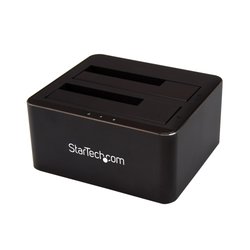
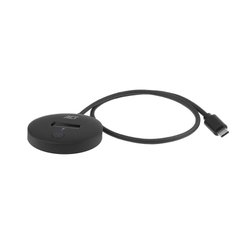
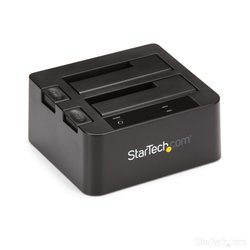
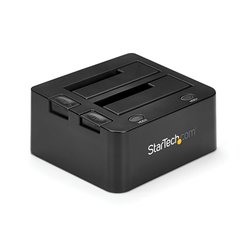
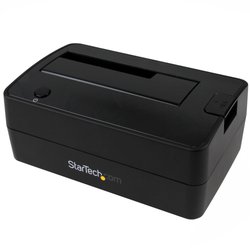
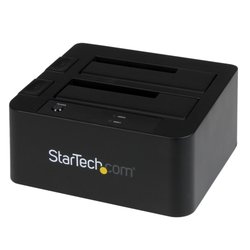
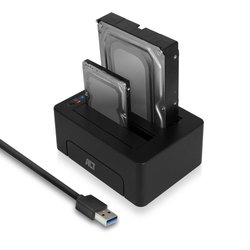
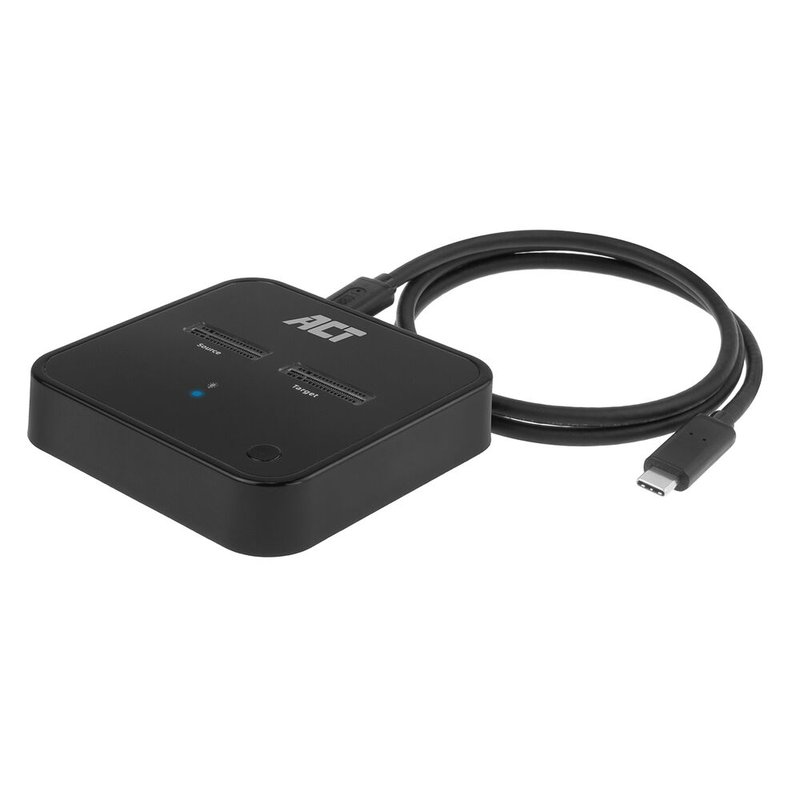
The AC1502 M.2 Dual SSD Clone Station is the perfect solution for offline data cloning. This USB-C 3.2 Gen2 docking clone station is suitable for two M.2 NVMe/PCIe SSDs with M key and B+M key. Even SSDs with heatsink are supported. Clone a SSD without the intervention of a computer. Just place the SSDs and connect the power supply. The status LEDs are showing the cloning progress. Connect the AC1502 with SSDs to a computer for accessing data and for data backup at a maximum transfer speed of 10Gbps.Supports M.2 NVMe/PCIe SSDs with and without heatsinkThe AC1502 is designed to connect up to two M.2 NVMe/PCIe SSDs to your computer or laptop. The dock is compatible with M key and B+M key. Even heatsink SSDs are supported.
Offline cloning without using a computerUse the Dual SDD Clone Station to clone from one SSD to another SSD without using a computer. This offline cloning is possible via the AC1502 itself. Simply place the source and target SSDs into the docking station. Plug in the power adapter and press the power and clone buttons on the dock. Please ensure that the disk size of the target SSD is equal to or greater than the source SSD.
Upgrade your laptop’s SSDWant to increase the capacity of your laptop’s SSD? Use the AC1502 dock to create a clone of your laptop’s SSD to a higher capacity SSD.
Cloning status indicatorThe LED indicators (25%/50%/75%/100%) on the AC1502 show the data cloning progress. When the 50% LED is flashing, the dock is in the process of data cloning 25% to 50%. When the 50% LED is fully lit, 50% of the data has been transferred.
Access external storageConnect two M.2 NVMe/PCIe SSDs to your computer or laptop via the AC1502 and access the data on these solid state drives. These two external SSDs can be accessed as external storage. USB 3.2 Gen2 10Gbps and UASP (USB Attached SCSI-Protocol) ensure fast data transfer.
Technical specifications
Hard drive
| Storage media type | SSD |
|---|
| Storage drive interface | M.2 |
|---|
| Storage drive sizes supported | M.2 |
|---|
| Number of storage drives supported | 2 |
|---|
Ports & interfaces
| Host interface | USB 3.2 Gen 2 (3.1 Gen 2) Type-C |
|---|
| USB 3.2 Gen 2 (3.1 Gen 2) ports quantity | 1 |
|---|
Features
| Product colour | Black |
|---|
| Material | Plastic |
|---|
| Maximum data transfer rate | 10 Gbit/s |
|---|
| Backup function | Yes |
|---|
| TRIM support | Yes |
|---|
| LED indicators | Yes |
|---|
| On/off switch | Yes |
|---|
| UASP support | Yes |
|---|
Weight & dimensions
| Width | 77 mm |
|---|
| Depth | 77 mm |
|---|
| Height | 18 mm |
|---|



 Delivery policy