- Available from 2026-11-19 — contact us to reserve

Including €0.15 for ecotax
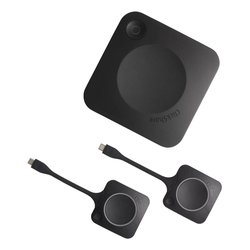
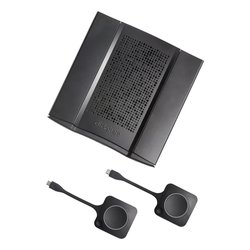
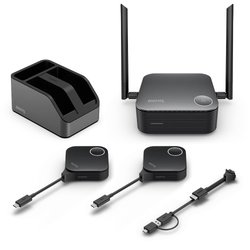
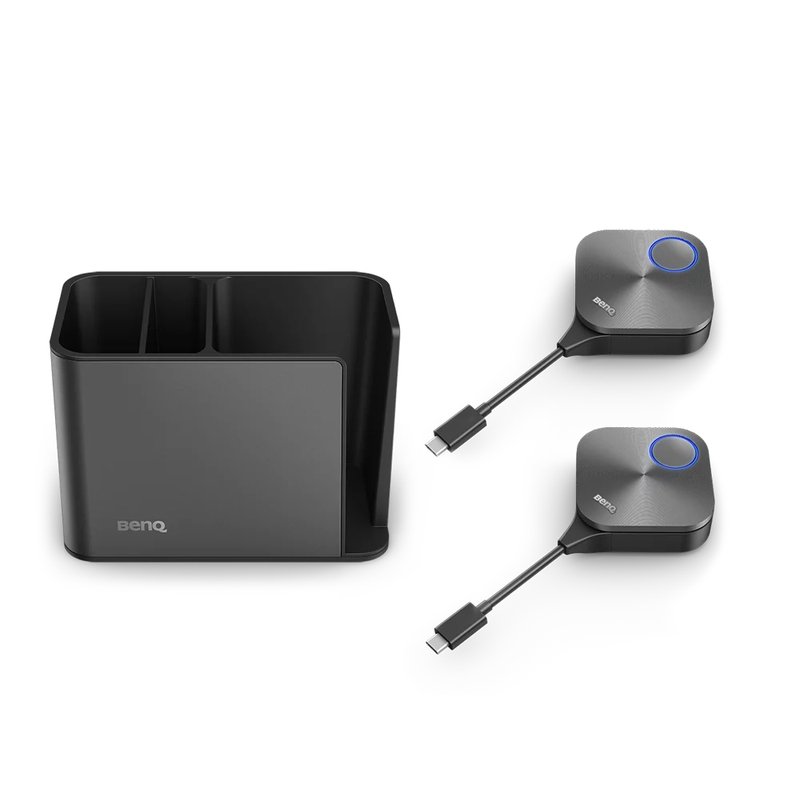
BenQ TZY61, Desktop, Black, Acrylonitrile butadiene styrene (ABS), Aluminium, Polycarbonate (PC), Silica gel, 0 - 40 °C, 10 - 80%, -10 - 60 °C
 Delivery policy
(edit with the Customer Reassurance module)
| Form factor | Desktop |
|---|---|
| Product colour | Black |
| Housing material | Acrylonitrile butadiene styrene (ABS), Aluminium, Polycarbonate (PC), Silica gel |
| Operating temperature (T-T) | 0 - 40 °C |
|---|---|
| Operating relative humidity (H-H) | 10 - 80% |
| Storage temperature (T-T) | -10 - 60 °C |
| Storage relative humidity (H-H) | 5 - 90% |
| Width | 67 mm |
|---|---|
| Depth | 23.2 mm |
| Height | 67 mm |
| Docking station dimensions (W x D x H) | 106 x 150 x 85 mm |
| Docking station weight | 366 g |
| Package width | 223 mm |
| Package depth | 334 mm |
| Package height | 97 mm |
| Package weight | 1.19 kg |
Data sheet
Specific References
BenQ TZY61, Desktop, Black, Acrylonitrile butadiene styrene (ABS), Aluminium, Polycarbonate (PC), Silica gel, 0 - 40 °C, 10 - 80%, -10 - 60 °C